-
×
 VIC FIRTH 5AN AMERICAN CLASSIC NYLON TIP
2 × 17.20 €
VIC FIRTH 5AN AMERICAN CLASSIC NYLON TIP
2 × 17.20 € -
×
 ROLAND F701 COMPACT WHITE DIGITAL PIANO
1 × 1765.00 €
ROLAND F701 COMPACT WHITE DIGITAL PIANO
1 × 1765.00 € -
×
 MEINL CAJON MALLET SMALL HEAD
2 × 19.00 €
MEINL CAJON MALLET SMALL HEAD
2 × 19.00 € -
×
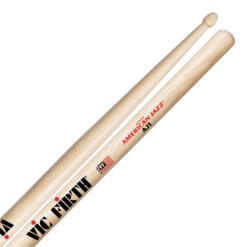 VIC FIRTH AJ1 AMERICAN JAZZ
2 × 17.20 €
VIC FIRTH AJ1 AMERICAN JAZZ
2 × 17.20 € -
×
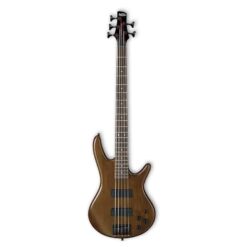 IBANEZ GSR205B-WNF 5 STRING ELECTRIC BASS WALNUT FLAT
2 × 345.00 €
IBANEZ GSR205B-WNF 5 STRING ELECTRIC BASS WALNUT FLAT
2 × 345.00 € -
×
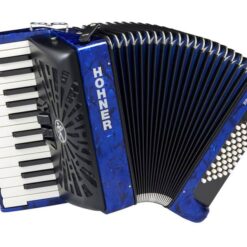 HOHNER BRAVO II 48 DARK BLUE SILENT KEY
1 × 1698.00 €
HOHNER BRAVO II 48 DARK BLUE SILENT KEY
1 × 1698.00 € -
×
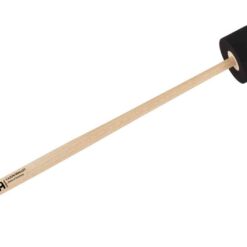 MEINL CAJON MALLET BIG HEAD
1 × 19.00 €
MEINL CAJON MALLET BIG HEAD
1 × 19.00 € -
×
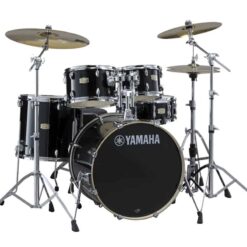 YAMAHA STAGE CUSTOM BIRCH 0F5RBL
1 × 815.00 €
YAMAHA STAGE CUSTOM BIRCH 0F5RBL
1 × 815.00 € -
×
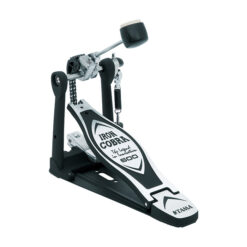 TAMA IRON COBRA 600 DUO GLIDE SINGLE BASS DRUM PEDAL
1 × 146.00 €
TAMA IRON COBRA 600 DUO GLIDE SINGLE BASS DRUM PEDAL
1 × 146.00 € -
×
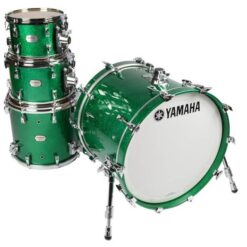 YAMAHA ABSOLUTE MAPLE HYBRID ROCK SHELL SET
1 × 4524.00 €
YAMAHA ABSOLUTE MAPLE HYBRID ROCK SHELL SET
1 × 4524.00 € -
×
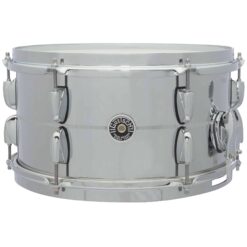 GRETSCH GB4163S USA BROOKLYN SNARE 13X7 CHROME OVER STEEL
1 × 538.00 €
GRETSCH GB4163S USA BROOKLYN SNARE 13X7 CHROME OVER STEEL
1 × 538.00 € -
×
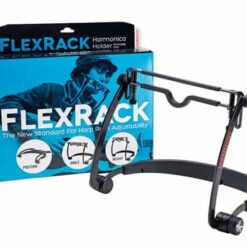 HOHNER FLEXRACK
1 × 71.00 €
HOHNER FLEXRACK
1 × 71.00 € -
×
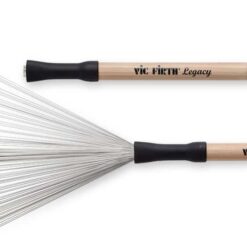 VIC FIRTH LB LEGACY BRUSHES
1 × 59.00 €
VIC FIRTH LB LEGACY BRUSHES
1 × 59.00 € -
×
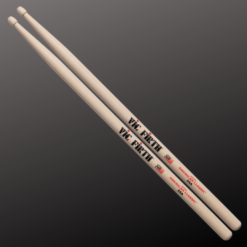 VIC FIRTH 55A WOOD TIP
2 × 17.20 €
VIC FIRTH 55A WOOD TIP
2 × 17.20 € -
×
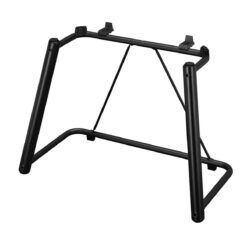 YAMAHA L7B STAND FOR GENOS
1 × 321.00 €
YAMAHA L7B STAND FOR GENOS
1 × 321.00 € -
×
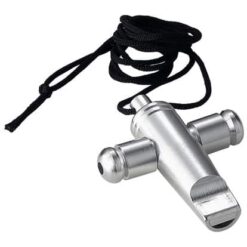 MEINL SW1 SAMBA WHISTLE
1 × 25.00 €
MEINL SW1 SAMBA WHISTLE
1 × 25.00 € -
×
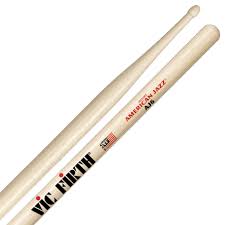 VIC FIRTH AJ6 AMERICAN JAZZ
1 × 17.20 €
VIC FIRTH AJ6 AMERICAN JAZZ
1 × 17.20 € -
×
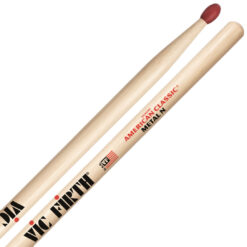 VIC FIRTH CMN CLASSIC METAL NYLON TIP
1 × 17.20 €
VIC FIRTH CMN CLASSIC METAL NYLON TIP
1 × 17.20 € -
×
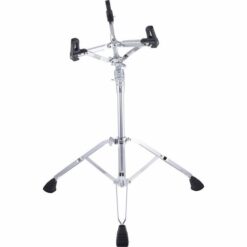 PEARL S-1030L SNARE DRUM STAND, W/GYRO-LOCK TILTER, ADJUSTABLE BASKET
1 × 310.00 €
PEARL S-1030L SNARE DRUM STAND, W/GYRO-LOCK TILTER, ADJUSTABLE BASKET
1 × 310.00 € -
×
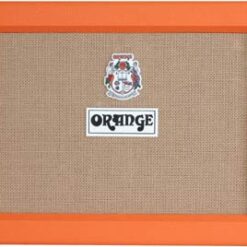 ORANGE PPC212OB OPEN BACK
1 × 714.00 €
ORANGE PPC212OB OPEN BACK
1 × 714.00 € -
×
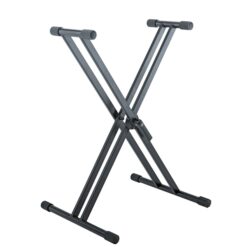 K&M 18993 KEYBOARD STAND RICK 20
1 × 96.00 €
K&M 18993 KEYBOARD STAND RICK 20
1 × 96.00 € -
×
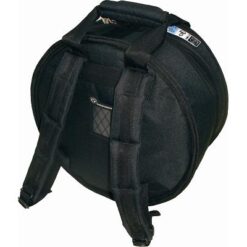 PROTECTION RACKET 3006RS SNARE CASE
4 × 74.00 €
PROTECTION RACKET 3006RS SNARE CASE
4 × 74.00 € -
×
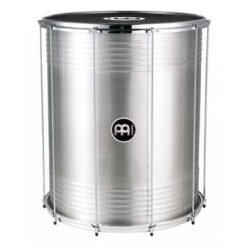 MEINL SU16 TRADITIONAL ALUMINIUM SURDO
1 × 349.00 €
MEINL SU16 TRADITIONAL ALUMINIUM SURDO
1 × 349.00 € -
×
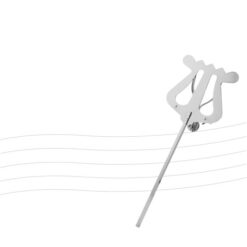 RUKA 37511 TUBA LYRE NICKEL PLATED
1 × 25.00 €
RUKA 37511 TUBA LYRE NICKEL PLATED
1 × 25.00 € -
×
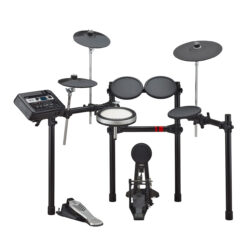 YAMAHA DTX6K-X ELECTRONIC DRUM KIT
1 × 999.00 €
YAMAHA DTX6K-X ELECTRONIC DRUM KIT
1 × 999.00 € -
×
 VIC FIRTH RUTE404 BRUSHES
2 × 21.00 €
VIC FIRTH RUTE404 BRUSHES
2 × 21.00 € -
×
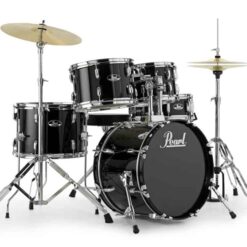 PEARL RS585C/C ROADSHOW DRUMSET JET BLACK
1 × 879.00 €
PEARL RS585C/C ROADSHOW DRUMSET JET BLACK
1 × 879.00 € -
×
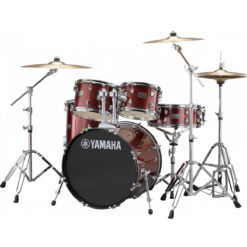 YAMAHA RYDEEN STUDIO (WITHOUT CYMBALS), BURGUNDY GLITTER
1 × 793.00 €
YAMAHA RYDEEN STUDIO (WITHOUT CYMBALS), BURGUNDY GLITTER
1 × 793.00 € -
×
 VIC FIRTH WB JAZZ BRUSH
1 × 46.00 €
VIC FIRTH WB JAZZ BRUSH
1 × 46.00 € -
×
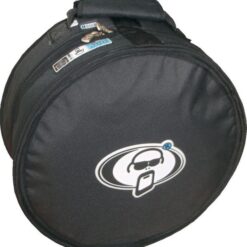 PROTECTION RACKET 3011 SNARE CASE
1 × 61.00 €
PROTECTION RACKET 3011 SNARE CASE
1 × 61.00 € -
×
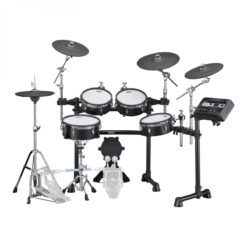 YAMAHA DTX8K-M BLACK FOREST ELECTRONIC DRUM KIT MESH
2 × 2790.00 €
YAMAHA DTX8K-M BLACK FOREST ELECTRONIC DRUM KIT MESH
2 × 2790.00 € -
×
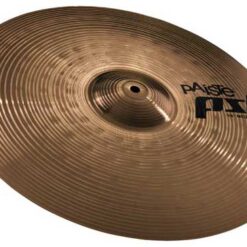 PAISTE 18 PST 5 N ROCK CRASH
1 × 126.00 €
PAISTE 18 PST 5 N ROCK CRASH
1 × 126.00 € -
×
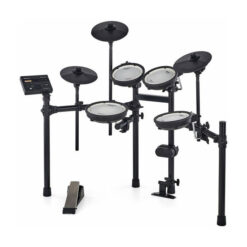 ROLAND TD-07DMK V-DRUM SET
1 × 744.00 €
ROLAND TD-07DMK V-DRUM SET
1 × 744.00 € -
×
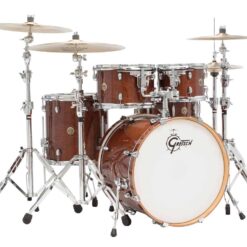 GRETSCH CM1-E825-WG CATALINA MAPLE SHELL DRUMSET WALNUT GLAZE
1 × 1116.00 €
GRETSCH CM1-E825-WG CATALINA MAPLE SHELL DRUMSET WALNUT GLAZE
1 × 1116.00 € -
×
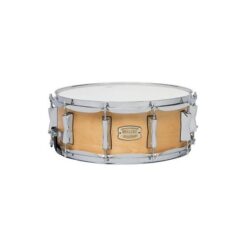 YAMAHA SBS1455NW STAGE CUSTOM BIRCH SNARE NATURAL WOOD
1 × 195.00 €
YAMAHA SBS1455NW STAGE CUSTOM BIRCH SNARE NATURAL WOOD
1 × 195.00 € -
×
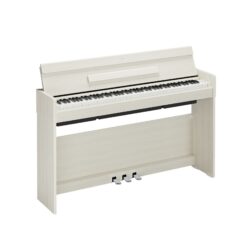 YAMAHA ARIUS YDP-S36 DIGITAL PIANO WHITE BIRCH
1 × 1148.00 €
YAMAHA ARIUS YDP-S36 DIGITAL PIANO WHITE BIRCH
1 × 1148.00 € -
×
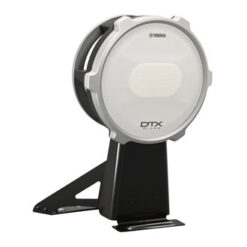 YAMAHA KP100 KICK PAD
1 × 452.00 €
YAMAHA KP100 KICK PAD
1 × 452.00 € -
×
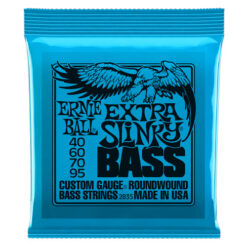 ERNIE BALL EXTRA SLINKY BASS 40-95
1 × 27.00 €
ERNIE BALL EXTRA SLINKY BASS 40-95
1 × 27.00 € -
×
PROTECTION RACKET 3009RS SNARE CASE
2 × 74.00 €
-
×
PROTECTION RACKET 3008RS SNARE CASE
1 × 74.00 €
-
×
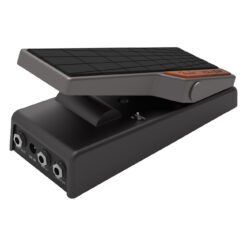 FENDER TREAD-LIGHT VOLUME/EXPRESSION PEDAL
1 × 129.00 €
FENDER TREAD-LIGHT VOLUME/EXPRESSION PEDAL
1 × 129.00 € -
×
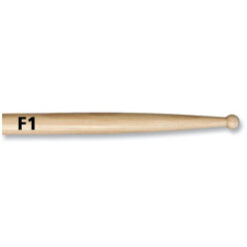 VIC FIRTH F1 WOOD TIP
1 × 17.20 €
VIC FIRTH F1 WOOD TIP
1 × 17.20 € -
×
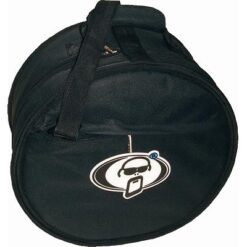 PROTECTION RACKET 3008CS SNARE CASE
1 × 74.00 €
PROTECTION RACKET 3008CS SNARE CASE
1 × 74.00 € -
×
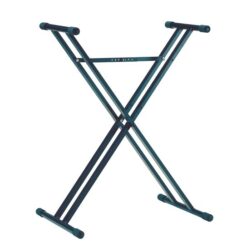 K&M 18963 KEYBOARD STAND BLACK
1 × 64.00 €
K&M 18963 KEYBOARD STAND BLACK
1 × 64.00 € -
×
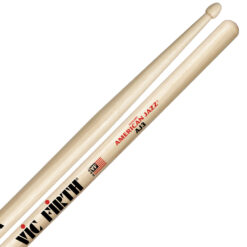 VIC FIRTH AJ3 AMERICAN JAZZ
2 × 17.20 €
VIC FIRTH AJ3 AMERICAN JAZZ
2 × 17.20 € -
×
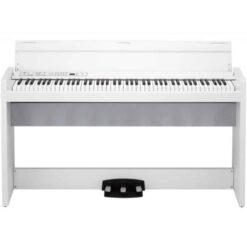 KORG LP-380UWHITE DIGITAL PIANO WITH STAND
1 × 854.00 €
KORG LP-380UWHITE DIGITAL PIANO WITH STAND
1 × 854.00 € -
×
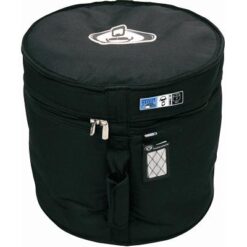 PROTECTION RACKET 2015 FLOOR TOM CASE
1 × 74.00 €
PROTECTION RACKET 2015 FLOOR TOM CASE
1 × 74.00 € -
×
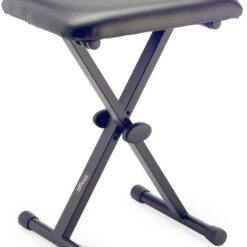 STAGG KEBA10 KEYBOARD STOOL
1 × 47.00 €
STAGG KEBA10 KEYBOARD STOOL
1 × 47.00 € -
×
 STAGG VBR PB45 TOP BROWN VELVET
1 × 21.00 €
STAGG VBR PB45 TOP BROWN VELVET
1 × 21.00 € -
×
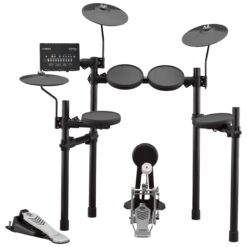 YAMAHA DTX 432K ELECTRONIC DRUM KIT
1 × 523.00 €
YAMAHA DTX 432K ELECTRONIC DRUM KIT
1 × 523.00 € -
×
PAISTE 14 PST 5 N MEDIUM CRASH
1 × 77.00 €
-
×
 VIC FIRTH AMERICAN CLASSIC 5B WOOD TIP
1 × 17.20 €
VIC FIRTH AMERICAN CLASSIC 5B WOOD TIP
1 × 17.20 € -
×
PROTECTION RACKET 3005 SNARE CASE
1 × 61.00 €
-
×
 PAISTE 14 PST 3 CRASH
1 × 47.00 €
PAISTE 14 PST 3 CRASH
1 × 47.00 € -
×
 VIC FIRTH 1A AMERICAN CLASSIC WOOD TIP
1 × 17.20 €
VIC FIRTH 1A AMERICAN CLASSIC WOOD TIP
1 × 17.20 € -
×
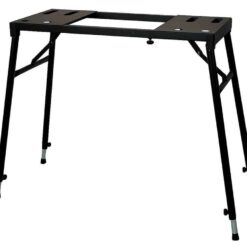 GEWA EQS-10B KEYBOARD STAND
1 × 57.00 €
GEWA EQS-10B KEYBOARD STAND
1 × 57.00 € -
×
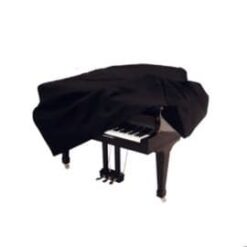 YAMAHA PIANO COVER C3/C3 STUDIO
1 × 301.00 €
YAMAHA PIANO COVER C3/C3 STUDIO
1 × 301.00 € -
×
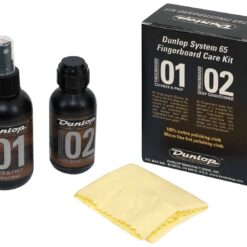 DUNLOP FINGERBOARD CARE KIT
2 × 26.00 €
DUNLOP FINGERBOARD CARE KIT
2 × 26.00 € -
×
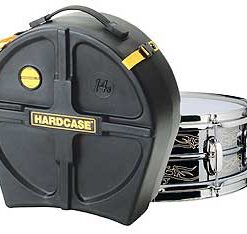 HARDCASE 14"SNARE DRUM CASE
1 × 117.00 €
HARDCASE 14"SNARE DRUM CASE
1 × 117.00 € -
×
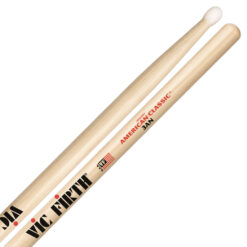 VIC FIRTH 3AN AMERICAN CLASSIC NYLON TIP
1 × 17.20 €
VIC FIRTH 3AN AMERICAN CLASSIC NYLON TIP
1 × 17.20 € -
×
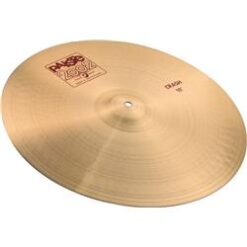 PAISTE 17 2002 THIN CRASH
2 × 282.00 €
PAISTE 17 2002 THIN CRASH
2 × 282.00 € -
×
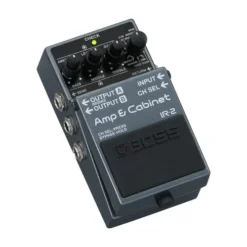 BOSS IR-2 AMP & CABINET PROCESSOR PEDAL
1 × 252.00 €
BOSS IR-2 AMP & CABINET PROCESSOR PEDAL
1 × 252.00 € -
×
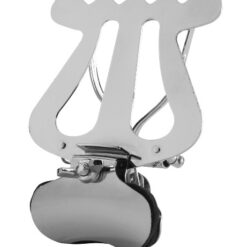 RUKA 37506 TRUMPET LYRE NICKEL PLATED
1 × 29.00 €
RUKA 37506 TRUMPET LYRE NICKEL PLATED
1 × 29.00 € -
×
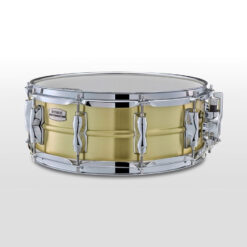 YAMAHA RECORDING CUSTOM SNARE DRUM BRASS
1 × 650.00 €
YAMAHA RECORDING CUSTOM SNARE DRUM BRASS
1 × 650.00 € -
×
 STUDIO49 CS 44 XYLOPHONE MALLETS
1 × 15.30 €
STUDIO49 CS 44 XYLOPHONE MALLETS
1 × 15.30 € -
×
 YAMAHA TP70 1-ZONE PAD
1 × 102.00 €
YAMAHA TP70 1-ZONE PAD
1 × 102.00 € -
×
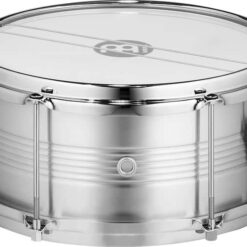 MEINL CA12T CAIXA DRUM
1 × 169.00 €
MEINL CA12T CAIXA DRUM
1 × 169.00 € -
×
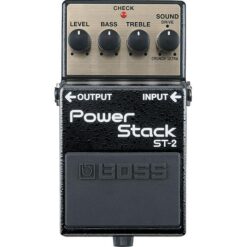 BOSS ST2 POWER STACK
1 × 139.00 €
BOSS ST2 POWER STACK
1 × 139.00 € -
×
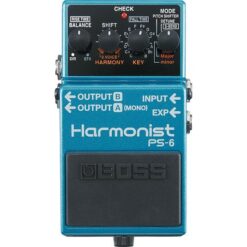 BOSS PS6 HARMONIST
1 × 231.00 €
BOSS PS6 HARMONIST
1 × 231.00 €
 Pay in three equal instalments 3 x 36.33 €
109.00 €
1 in stock (can be backordered)
Ask about this product
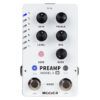
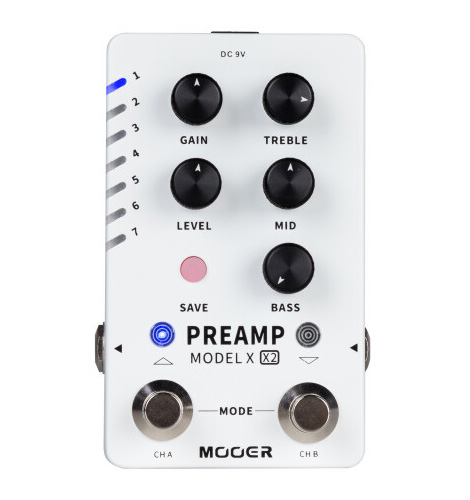
The Mooer Preamp Model X2 comes loaded with a host of features that make it easy to customize your digital preamp and cabinet setup. Featuring 3 global cab sim files, support for third-party impulse response files, and 14 preset slots, each with two different channel settings to customize, the Preamp Model X2 offers plenty of space to prepare for long gigs or the freedom to explore and save different tonal combinations. Where the Preamp Model X2 excels compared to previous Mooer preamp pedals is in the user interface and digital editor software. The expanded footswitch layout of the X2 gives users two settings to choose from: one for preset scrolling and one for A/B channel switching. This allows users to quickly cycle through presets at just a tap of the foot. The editor software is free and can be downloaded from Mooer’s website and allows users the comfort of a desktop interface when customizing and tweaking presets, loading third-party impulse response files, or updating the Model X2’s firmware. Users can also share and download presets and proprietary sample files from Mooer Studio to get the best sounding presets for their Preamp Model X2. Furthermore, Preamp Model X2 allows user to load the sample files captured from actual amplifiers via Mooer’s unique MNRS technology. User can visit Mooer Studio to search and download sample files created by other users from all over the world. The GNR file can be loaded into the AMP module; the GIR file can be loaded into the CAB module.
– dual-channel digital preamp effects pedal
– based on Mooer’s unique MNRS sampling technology
– 14 editable user preset slots
– each preset can store two different channel settings
– supports GNR (amp modules) and GIR (cab modules) files via Mooer Studio to expand the tonal palette
– cabinet simulation can be turned on and off
– 3 pre-installed cabinet simulations of popular models
– 14 pre-installed amplifier models, each with 2 channels (Clean / Drive)
– supports third-party impulse response files (IRs up to 1024 pts.)
– footswitches can be used as on / off switches or to select presets
– free Preamp Model X2 editor software to manage and edit the presets and to load GNR amp model sample files and IR/GIR cabinet simulation files
– controls for Gain, Level, Treble, Mid, Bass
– Save button
– CH A footswitch
– CH B footswitch
– status LEDs
– metal housing
– 6.3 mm mono in / output jacks
– USB-C port
– power supply via included 9V DC adapter, 2.1 x 5.5 mm barrel plug, polarity (-) center
– battery operation not supported
– current draw 300 mA
– dimensions (L x W x H) 115 x 75 x 33 mm / 4.5″ x 2.9″ x 1.3″
– weight 334 g / 0.74 lbs
– incl. USB-A to USB-C cable
| WEIGHT: | 0.5 kg |
|---|---|
| Tootja: |
RELATED PRODUCTS